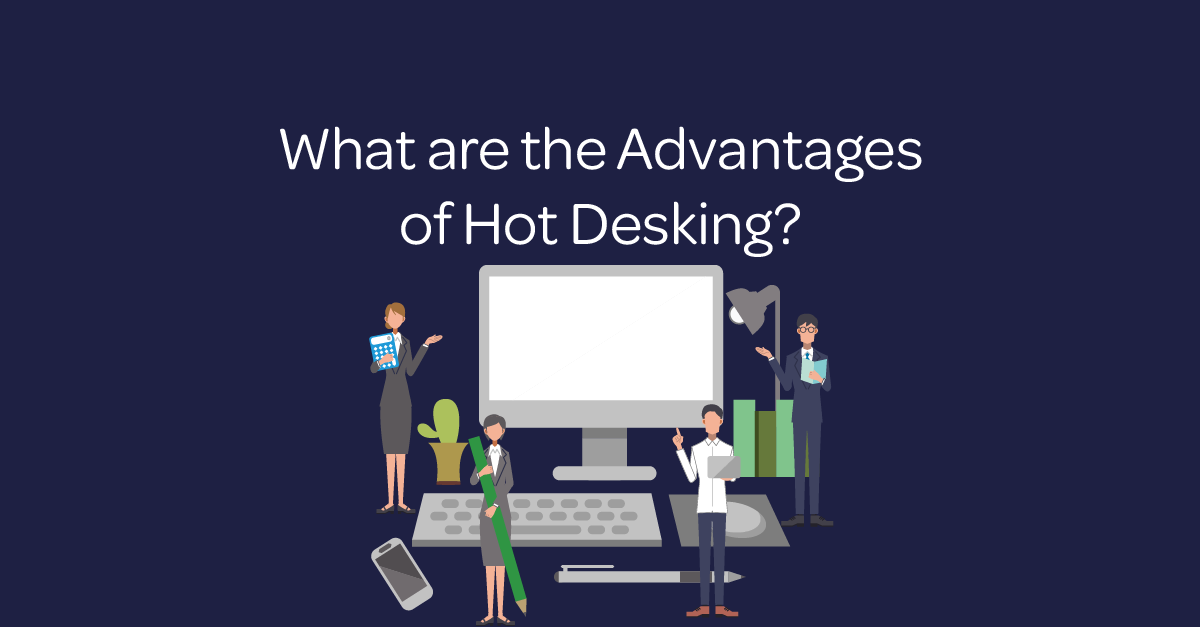
Hot desking allows people to choose an available workstation instead of using a permanently assigned desk. Organisations often combine it with hybrid working, shared spaces and desk-booking tools.
What are the advantages of hot desking?
The main advantages of hot desking are better collaboration, more flexible use of office space, cleaner workstations and lower property costs. It can also give people more choice over where they work. However, the model works best when organisations plan for availability, accessibility, technology and hygiene.
1. Better collaboration between teams
Hot desking can help colleagues sit near the people they need for a particular project. As a result, cross-functional teams can share knowledge, solve problems and make decisions without being limited by a fixed seating plan.
It can also create more informal contact between departments. These connections can reduce silos and help new team members meet colleagues across the organisation.
2. Greater flexibility for hybrid work
A flexible desk model supports people who divide their time between the office, home and other locations. Employees can select a space that suits the task, whether they need quiet concentration, a video call or group collaboration.
The Office for National Statistics has published research on home and hybrid working in Great Britain. Employers should still agree clear expectations and ensure that remote and office-based colleagues have equal access to information.
3. A more open workplace
Removing desk ownership can reduce the status attached to particular office locations. Everyone uses the same booking process and shared facilities, which can create a more approachable environment.
Nevertheless, equal treatment requires more than identical desks. Organisations should provide suitable spaces and equipment for disabled and neurodivergent colleagues, as well as anyone with specific ergonomic or sensory needs.
4. Cleaner, less cluttered desks
A clear-desk policy encourages people to remove paperwork and personal items at the end of the day. This makes workstations easier to clean and prepares them for the next user.
Research indexed by the US National Library of Medicine found that visual clutter can compete for attention. Well-organised workspaces may therefore help people concentrate, although employers should avoid treating tidiness as a substitute for good management and realistic workloads.
5. More efficient use of office space
If fewer people attend the office at the same time, a business may need fewer permanent workstations. Occupancy data can help leaders understand demand before changing a lease, redesigning a floor or reducing space.
Savings are not automatic. Organisations may need to invest in booking software, lockers, monitors, headsets, cleaning and reliable connectivity. A trial period can show whether the potential savings outweigh these costs.
What challenges should employers plan for?
Common concerns include arriving without an available desk, repeatedly setting up equipment and losing a sense of belonging. Confidential conversations and documents also require suitable rooms, storage and security controls.
A strong policy should explain how to reserve desks, report faults, request adjustments and clean shared equipment. Teams should also keep some consistent social routines so that flexibility does not lead to isolation.
How can a business introduce hot desking?
- Measure daily office attendance and identify peak demand.
- Ask employees about tasks, accessibility requirements and preferred spaces.
- Create quiet, collaborative and private areas.
- Standardise monitors, charging, connectivity and call equipment.
- Run a pilot, collect feedback and adjust the policy.
Is hot desking right for every organisation?
No. Hot desking suits teams that work flexibly and do not need dedicated specialist equipment. Fixed or partially assigned desks may work better for roles that require secure materials, adapted workstations or a consistent setup. Many organisations use a mixed model instead.