

Computer telephony integration connects phone services with computers and business software. It allows people to make, receive and manage calls from a desktop or web application while sharing useful data with systems such as customer relationship management (CRM) software.
What is computer telephony integration?
Computer telephony integration, often shortened to CTI, links a company’s business phone systems with digital tools used by employees. A CTI platform can display caller details, log activity, launch calls and show whether colleagues are available.
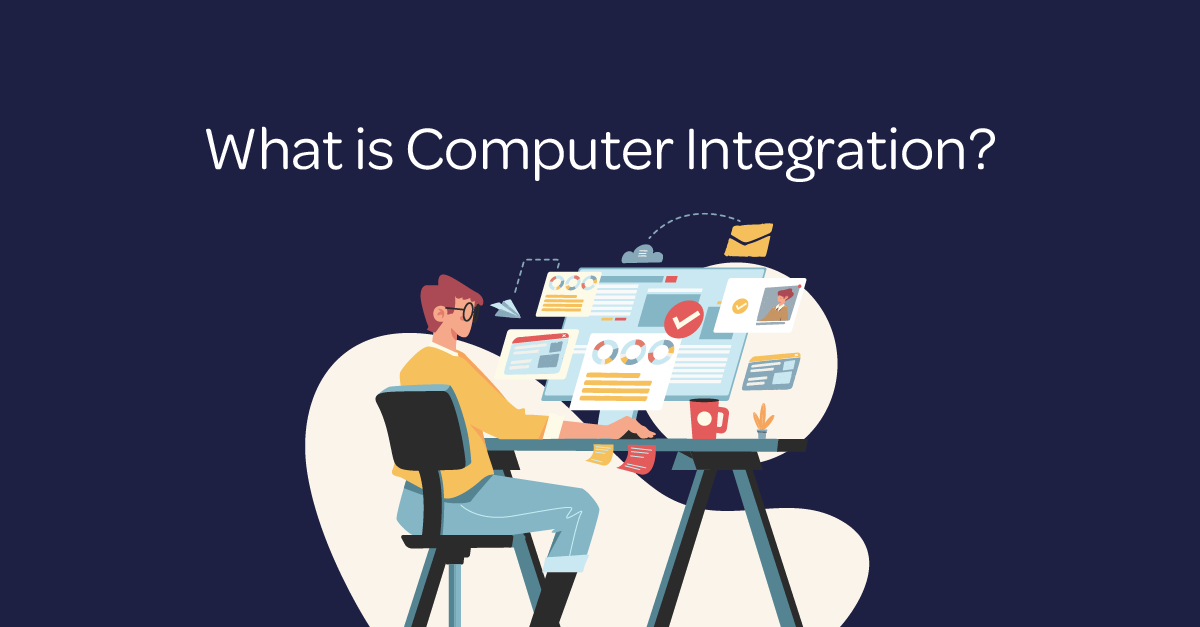
CTI is a specific form of systems integration. Broader computer integration may connect finance, billing, stock, monitoring and other operational platforms. CTI focuses on voice communications and the information needed before, during and after a call.
How does CTI work?
The phone platform exchanges data with approved applications through built-in connectors or application programming interfaces. When a call arrives, the integrated application can match the number with an existing record. It can then show relevant information to the person answering.
For outbound calls, an employee can select a number inside a CRM or browser. The phone service places the call and may automatically record the time, duration and outcome against the correct contact.
What are the business benefits of computer telephony integration?
Faster outbound calling
Click to dial software lets employees start a call by selecting a phone number on screen. This removes manual dialling, reduces number-entry errors and makes high-volume calling more efficient.
More informed customer service
CTI can present a customer record as the phone rings. The person answering can see the caller’s name, organisation, previous interactions and open issues without searching several applications.
As a result, customers spend less time repeating information. Teams can respond with more context and transfer calls to the right colleague more accurately.
Consistent call records
An integration can automatically add call details to a CRM or helpdesk platform. This creates a clearer history for sales, service and account-management teams. It also reduces reliance on handwritten notes and manual data entry.
Support for hybrid and multi-site teams
Cloud-based CTI can give office-based and remote colleagues access to the same phone features. Live presence information shows who is available, busy or away. Teams can therefore route calls more effectively across locations.
Better operational reporting
When phone and business data share a reporting layer, managers can review call volumes, response times, missed calls and outcomes. These insights can support staffing decisions, coaching and service improvements.
What systems can CTI connect?
Common integrations include CRM platforms, helpdesk software, Microsoft Teams, contact directories, calendars and call-recording tools. Some organisations also connect billing, network-monitoring or workflow systems to create a wider operational view.
The right combination depends on the task. A sales team may prioritise CRM screen pops and click to dial. A support team may need ticket creation, queue information and access to previous conversations.
Is computer telephony integration secure?
CTI can improve control by centralising permissions, updates and audit information. However, connecting systems also creates dependencies and new routes to sensitive data. Security must form part of the design rather than being added later.
Organisations should use role-based access, strong authentication, encryption and supported integrations. They should also define retention rules for call recordings and customer data, keep software updated and review supplier responsibilities.
How should a business choose a CTI solution?
- List the phone and software platforms that must connect.
- Identify the workflows that cause delays or repeated data entry.
- Check compatibility, accessibility and support for remote users.
- Confirm security, data-location and compliance requirements.
- Run a pilot with a small group before a wider rollout.
- Measure call handling, data quality and employee feedback.
A successful integration should simplify everyday work. If it adds extra screens, duplicate records or unreliable automation, the design needs adjustment.